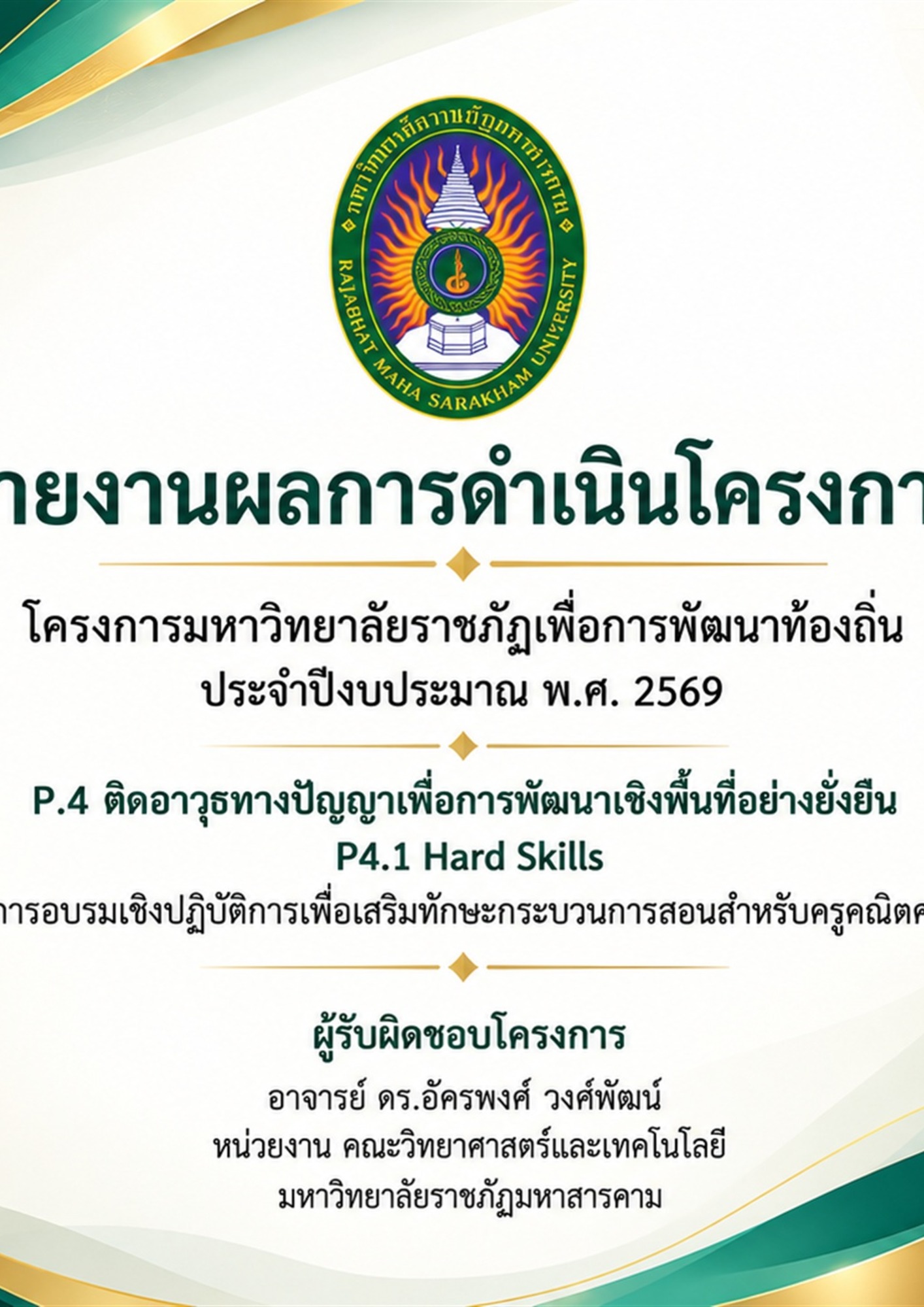
– September 30, 2026 2 มิถุนายน 2569
– 30 กันยายน 2569
Part 1: Project Details ส่วนที่ 1 รายละเอียดการดำเนินงาน
Objectives วัตถุประสงค์โครงการ
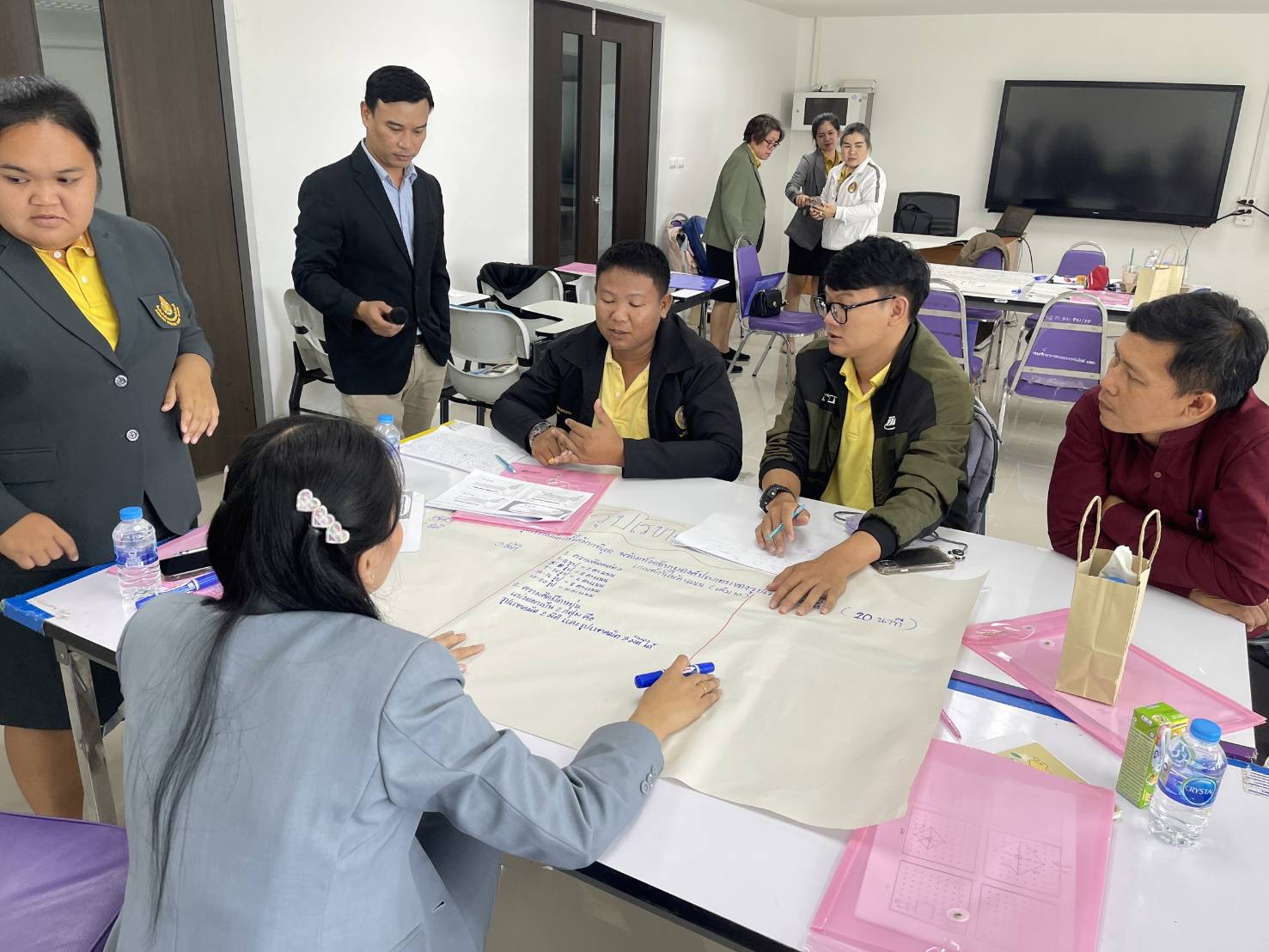
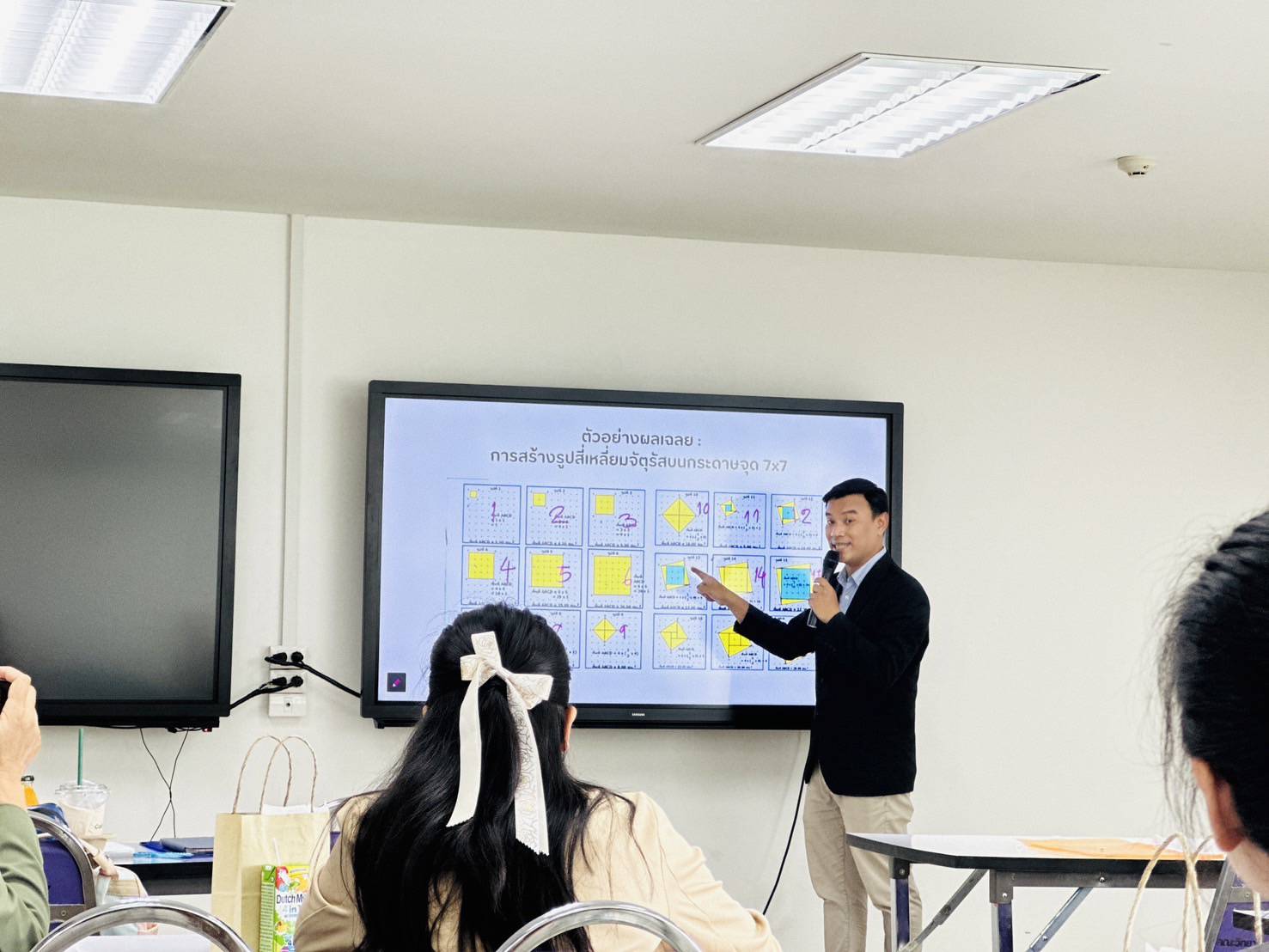
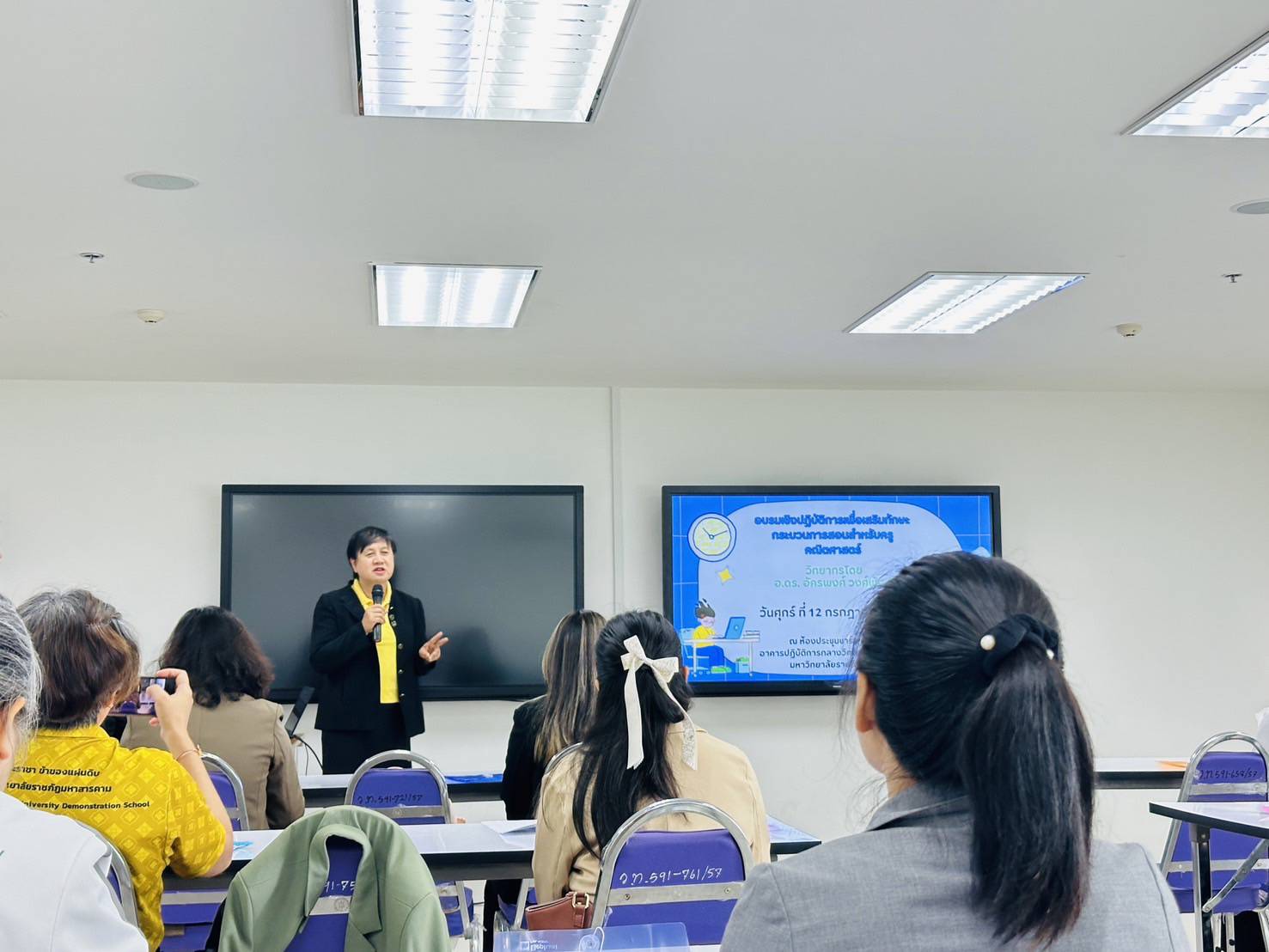
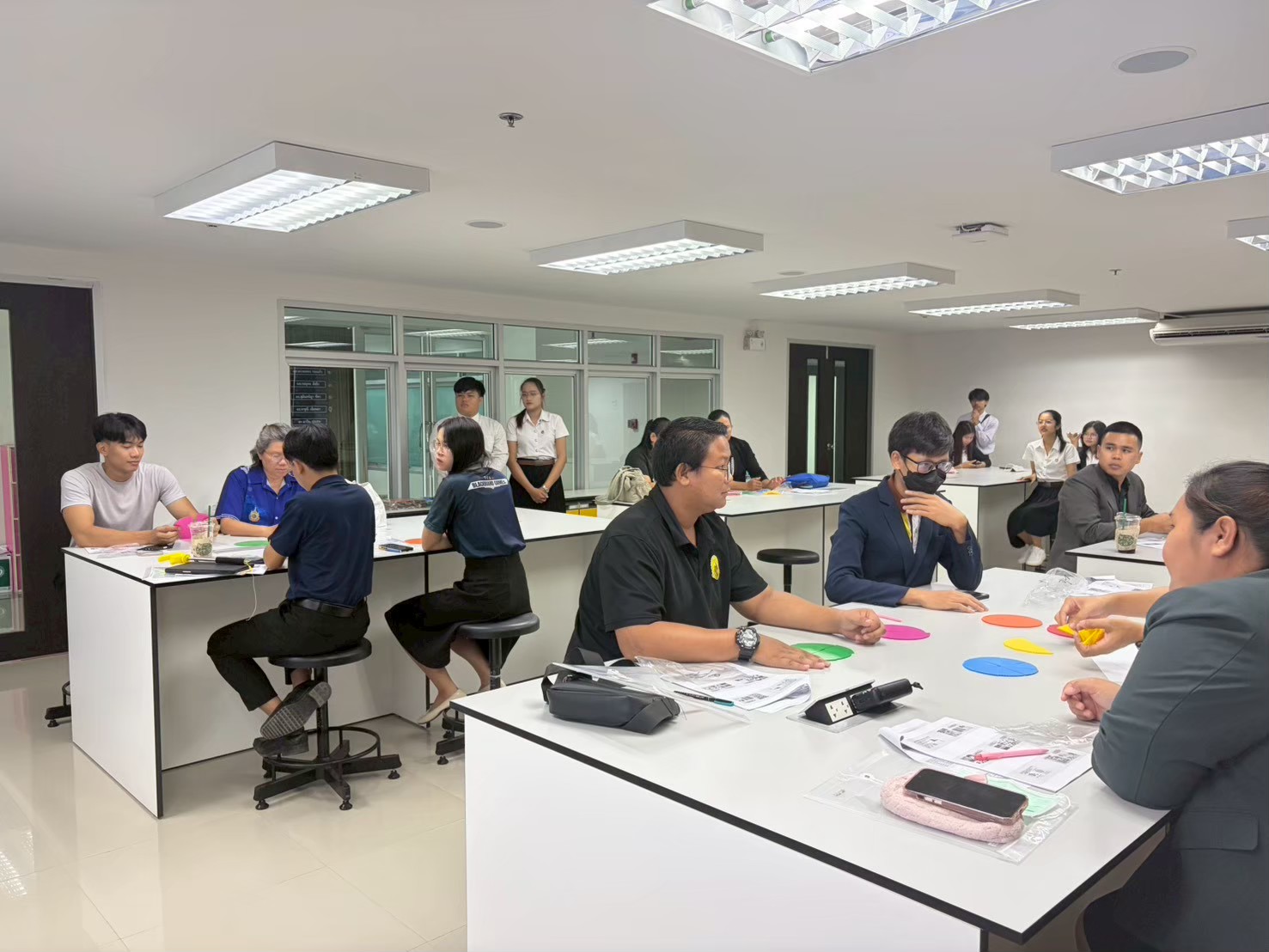
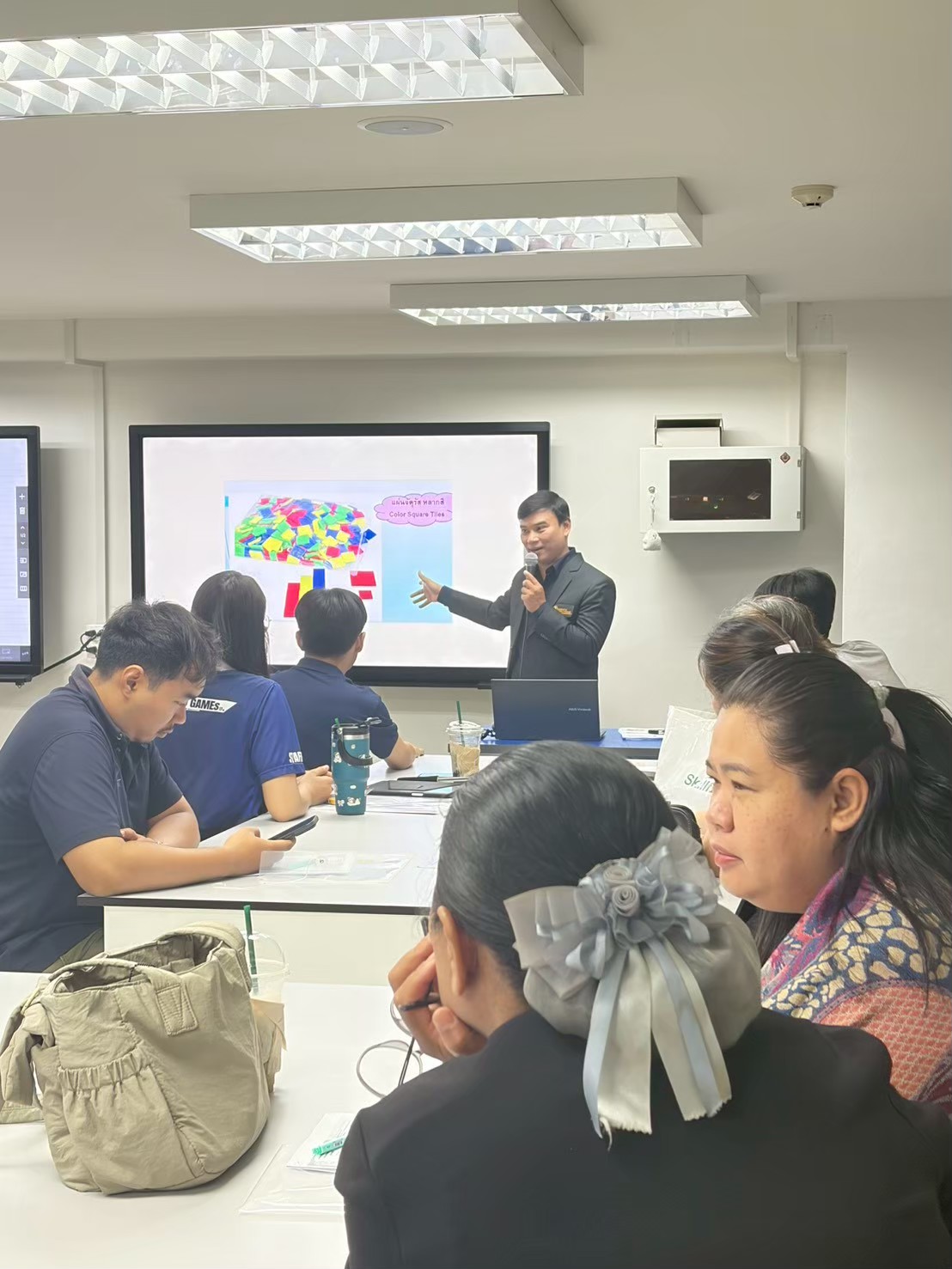
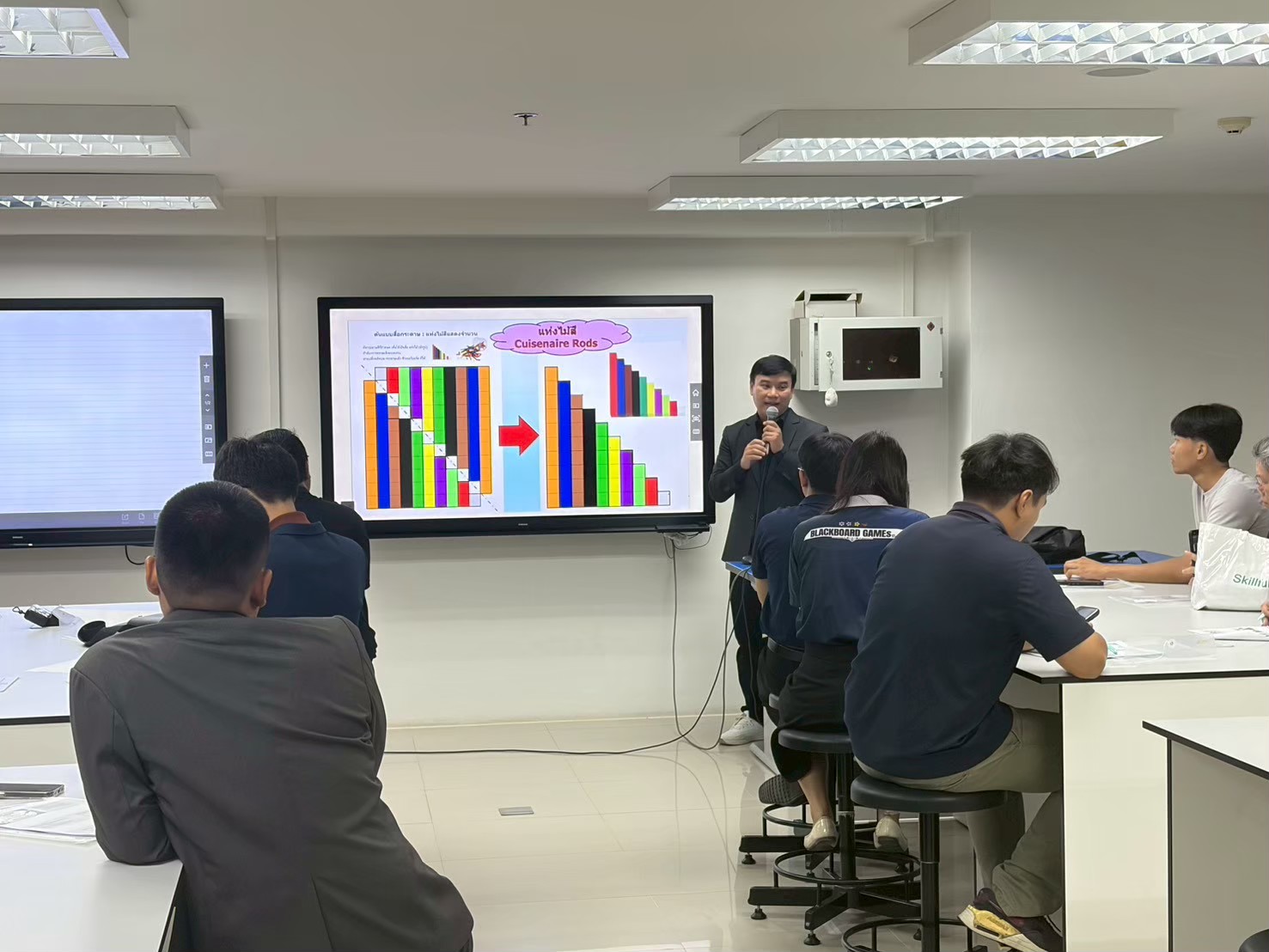
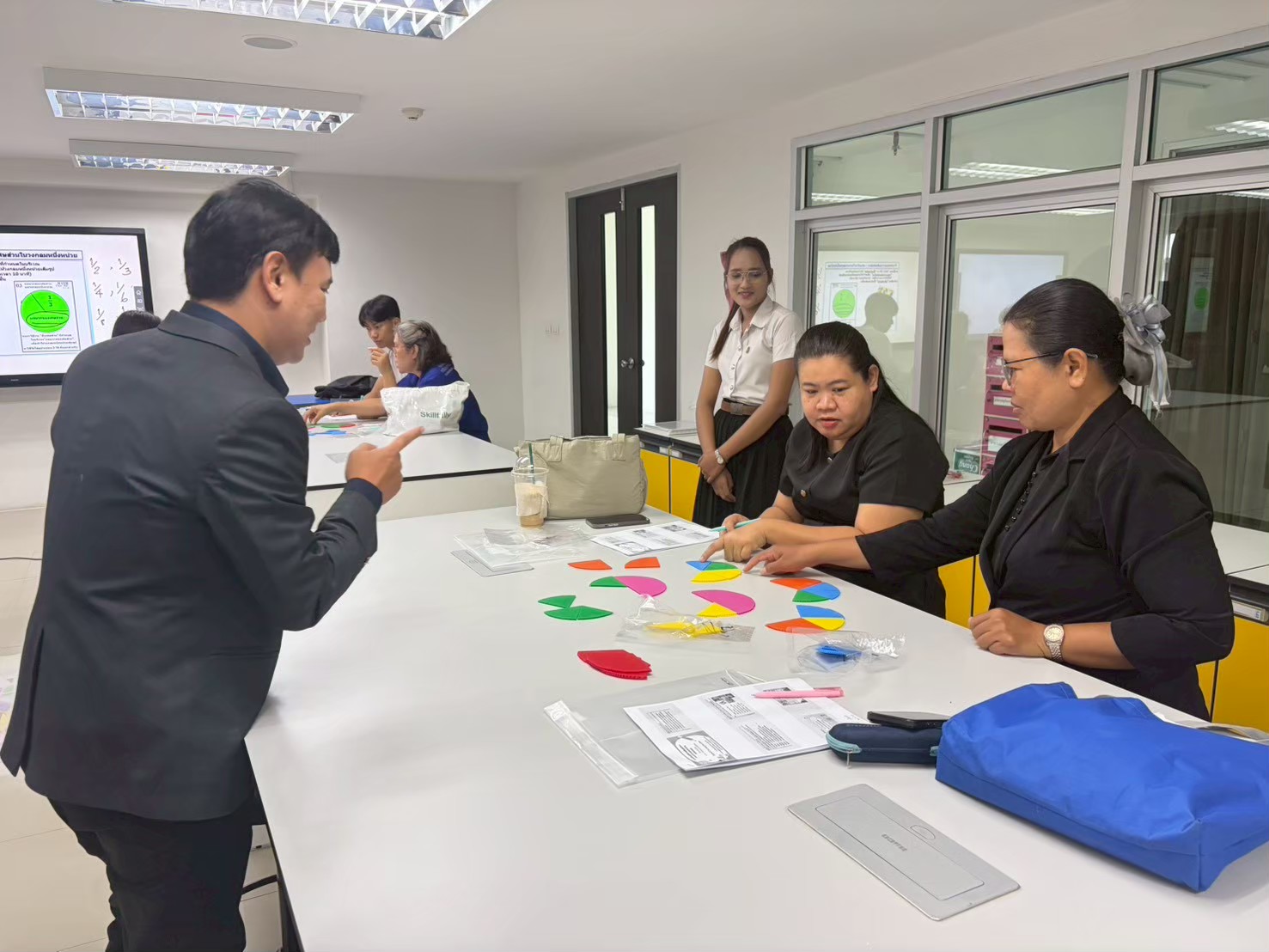
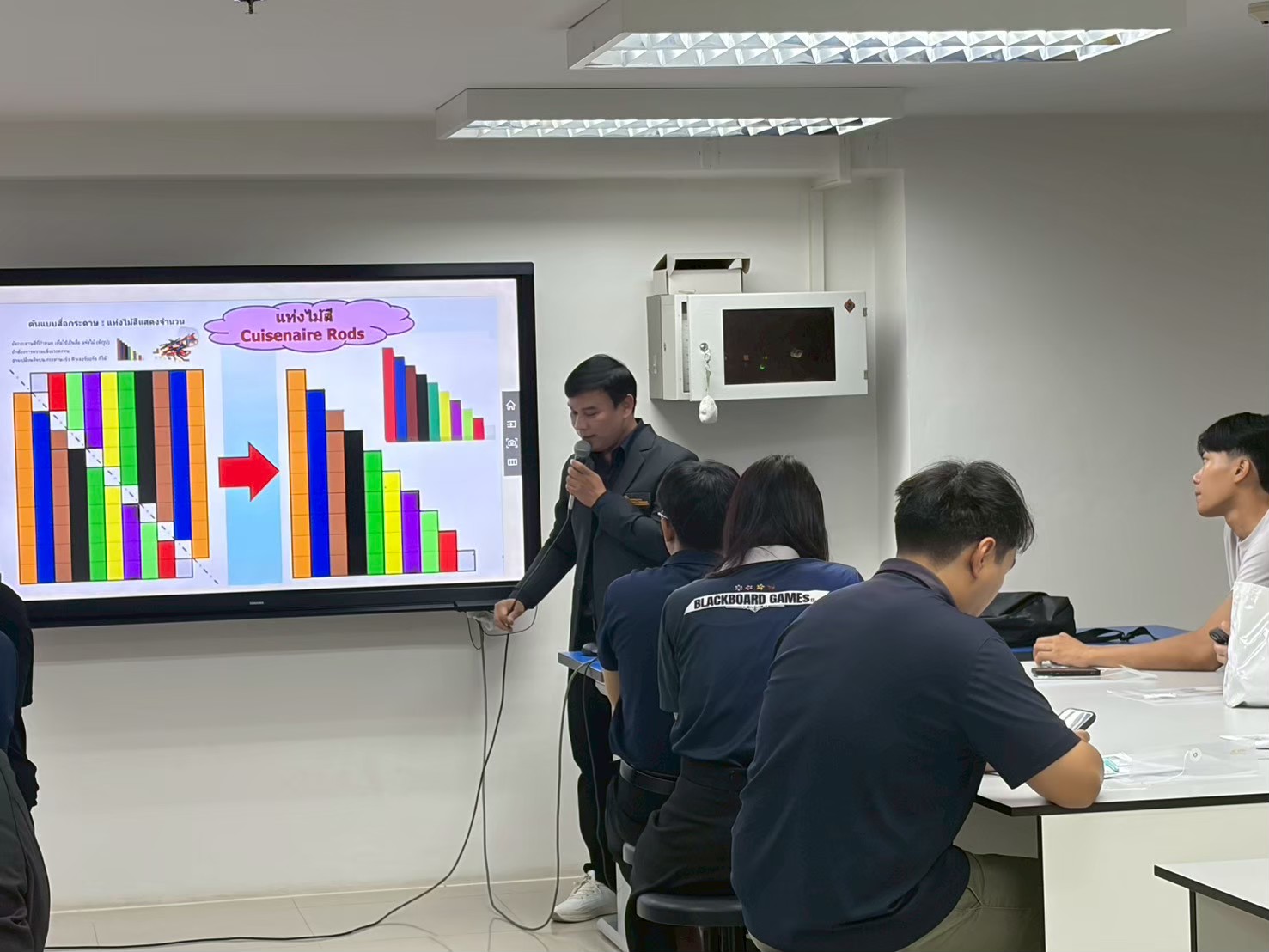
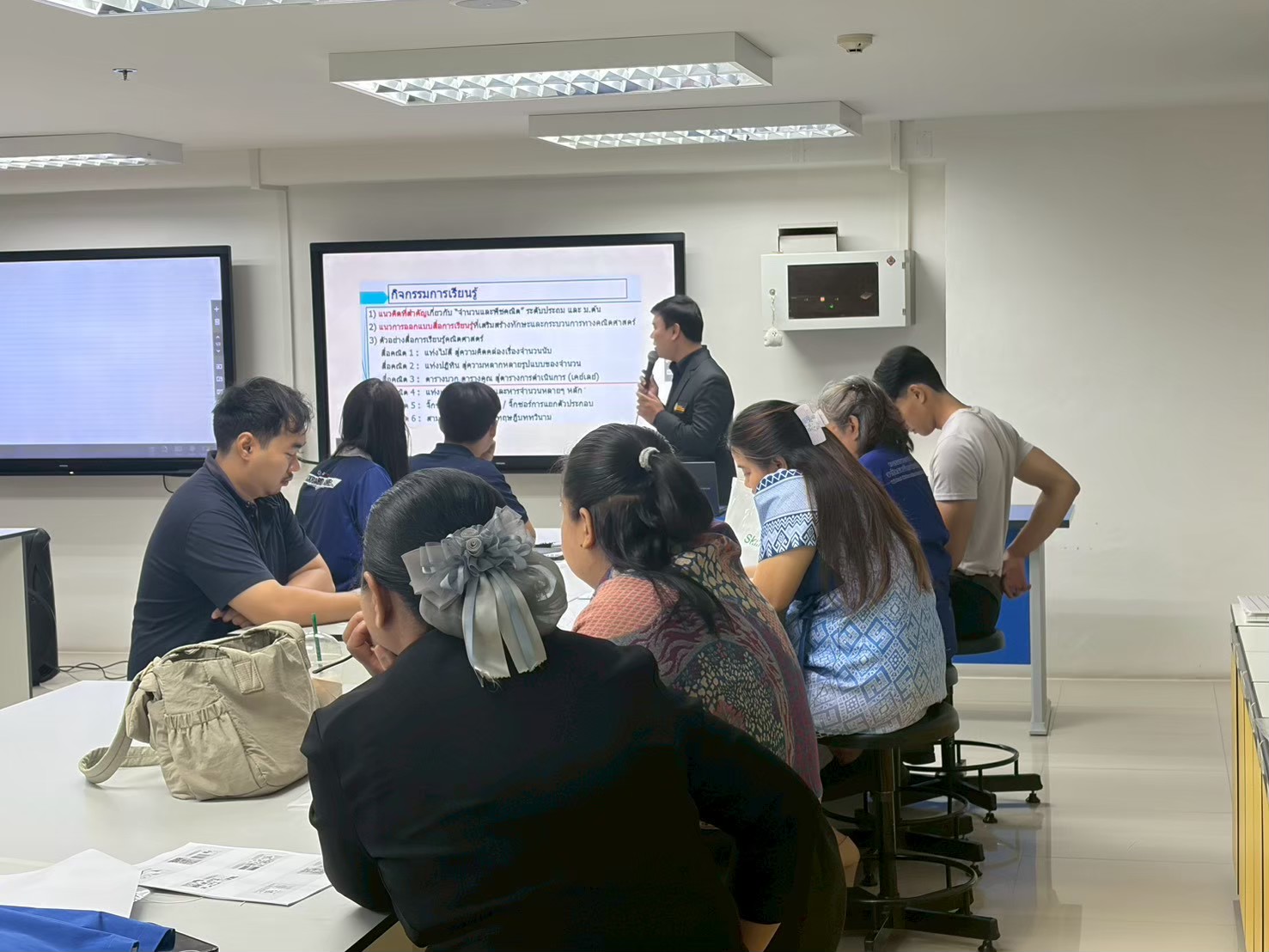
To organize a practical training workshop on upgrading the quality of mathematics teachers and pre-service teachers for educational personnel in small schools and the Demonstration School of Rajabhat Maha Sarakham University on the topics of Numbers, Algebra, Measurement, Geometry, Statistics, and Probability. เพื่อจัดอบรมปฏิบัติการยกระดับคุณภาพครูคณิตศาสตร์/นักศึกษาครู แก่บุคลากรทางการศึกษาในกลุ่มโรงเรียนขนาดเล็ก และโรงเรียนสาธิตมหาวิทยาลัยราชภัฏมหาสารคาม เรื่อง จำนวน พีชคณิต การวัด เรขาคณิต สถิติและความน่าจะเป็น
Main Activities กิจกรรมหลัก
1. Skills enhancement training in Numbers, Algebra, Measurement, Geometry, Statistics, and Probability.
2. Foundational training in using mathematical problem-solving software.
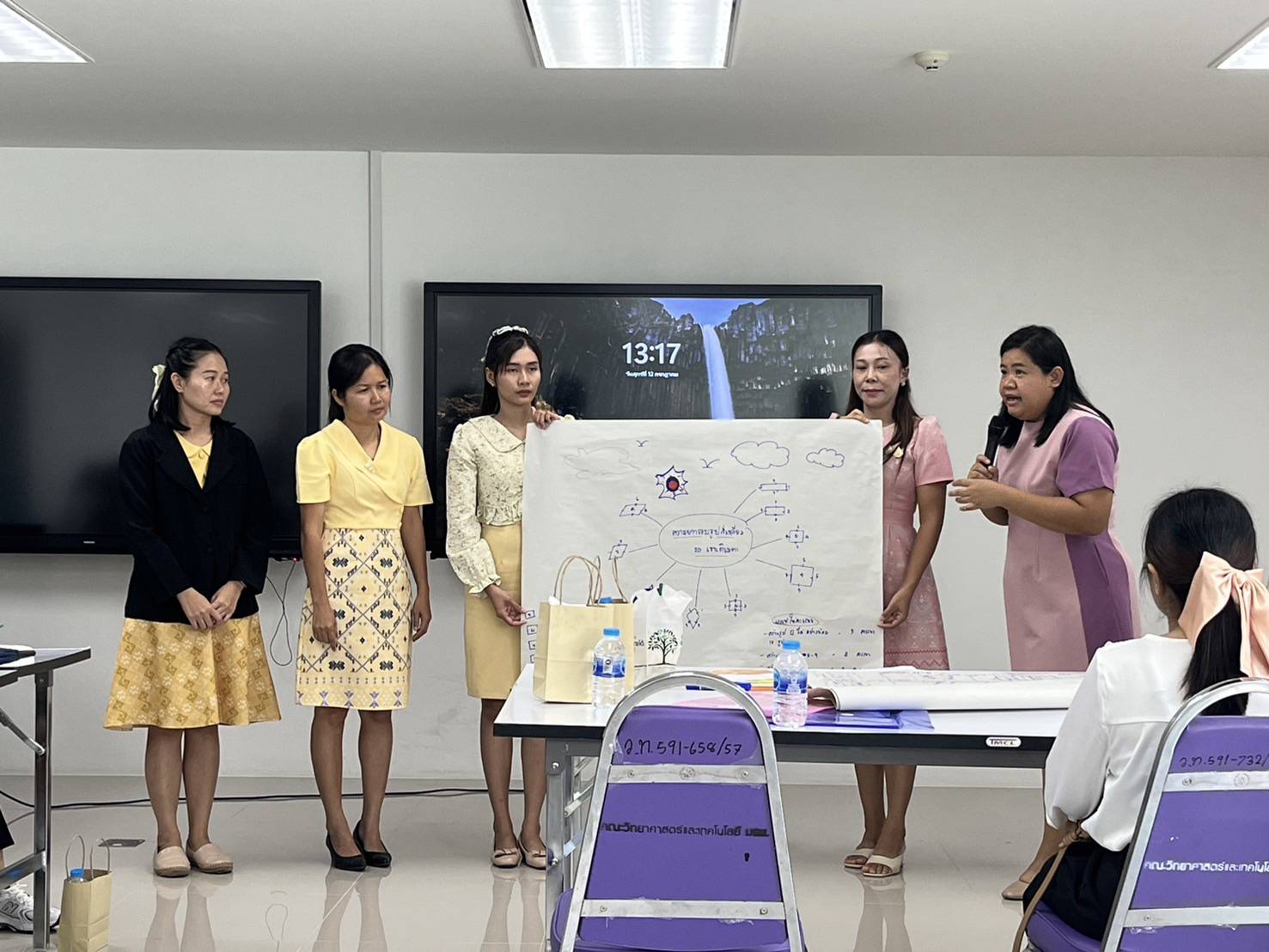
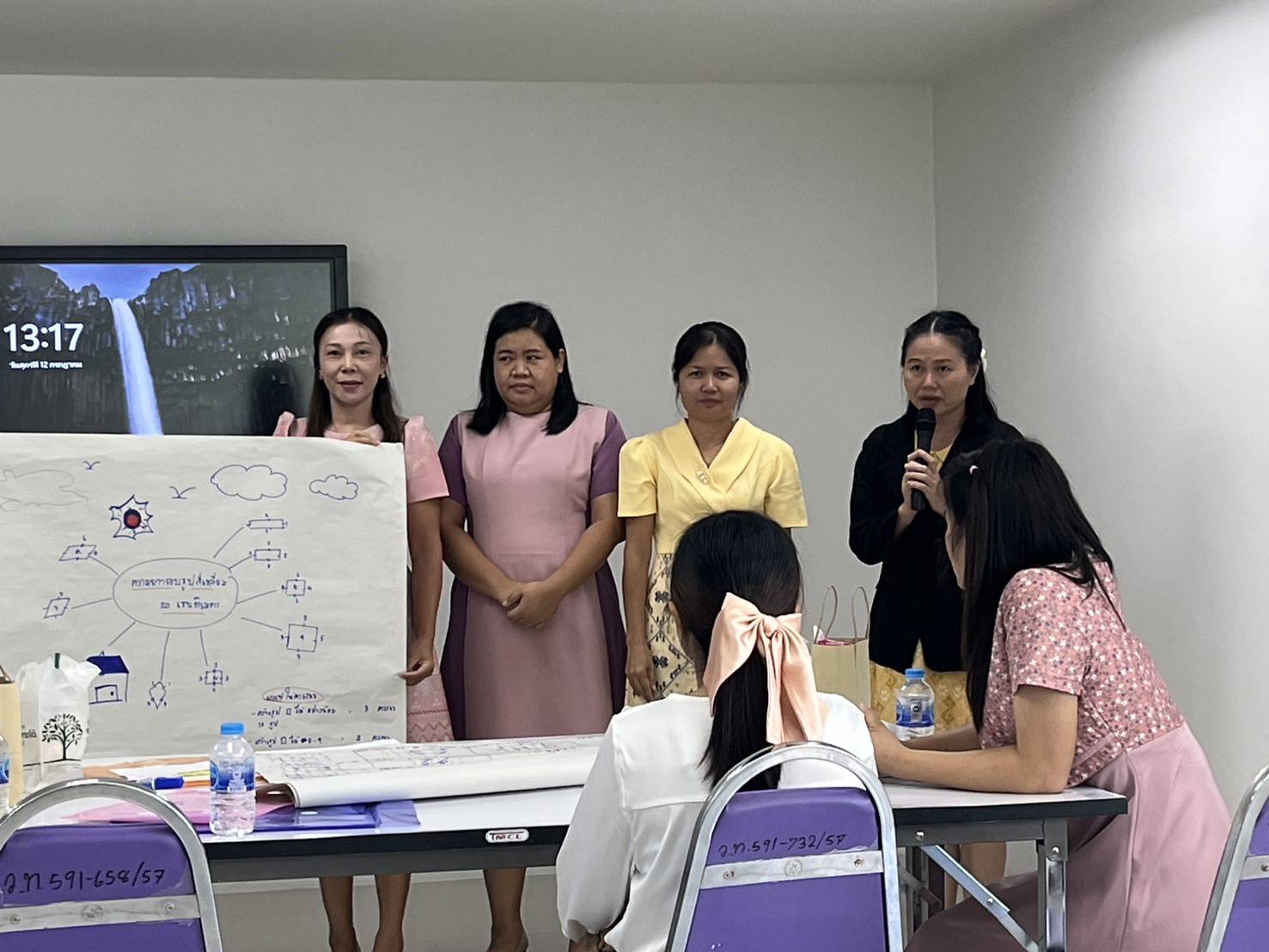
3. Designing mathematical problem-solving processes.
4. Providing guidance and mentorship during the training.
1. อบรมเสริมทักษะเรื่อง จำนวน พีชคณิต การวัด เรขาคณิต สถิติ และความน่าจะเป็น
2. อบรมพื้นฐานทางด้านการใช้โปรแกรมแก้ปัญหาทางด้านคณิตศาสตร์
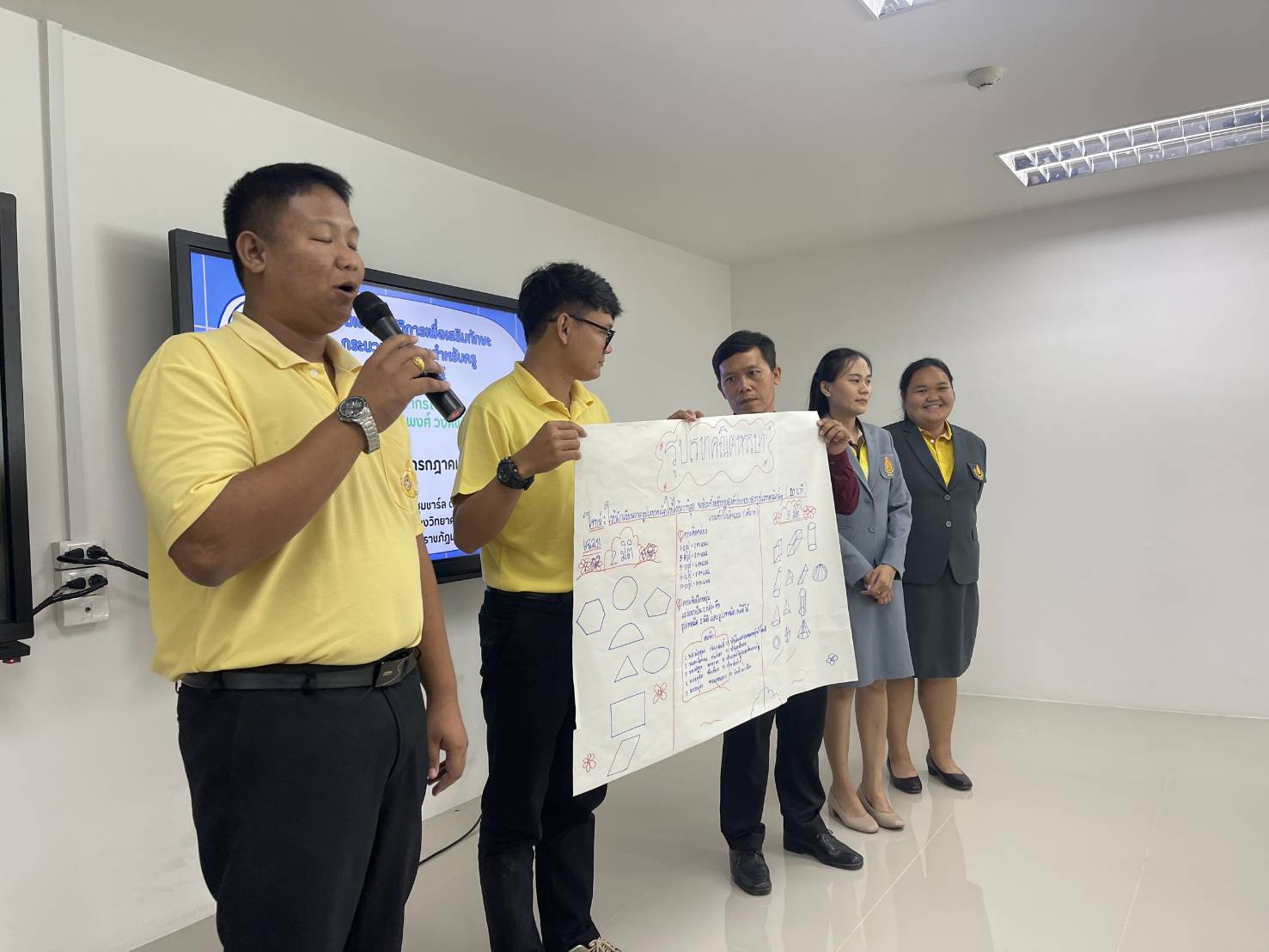
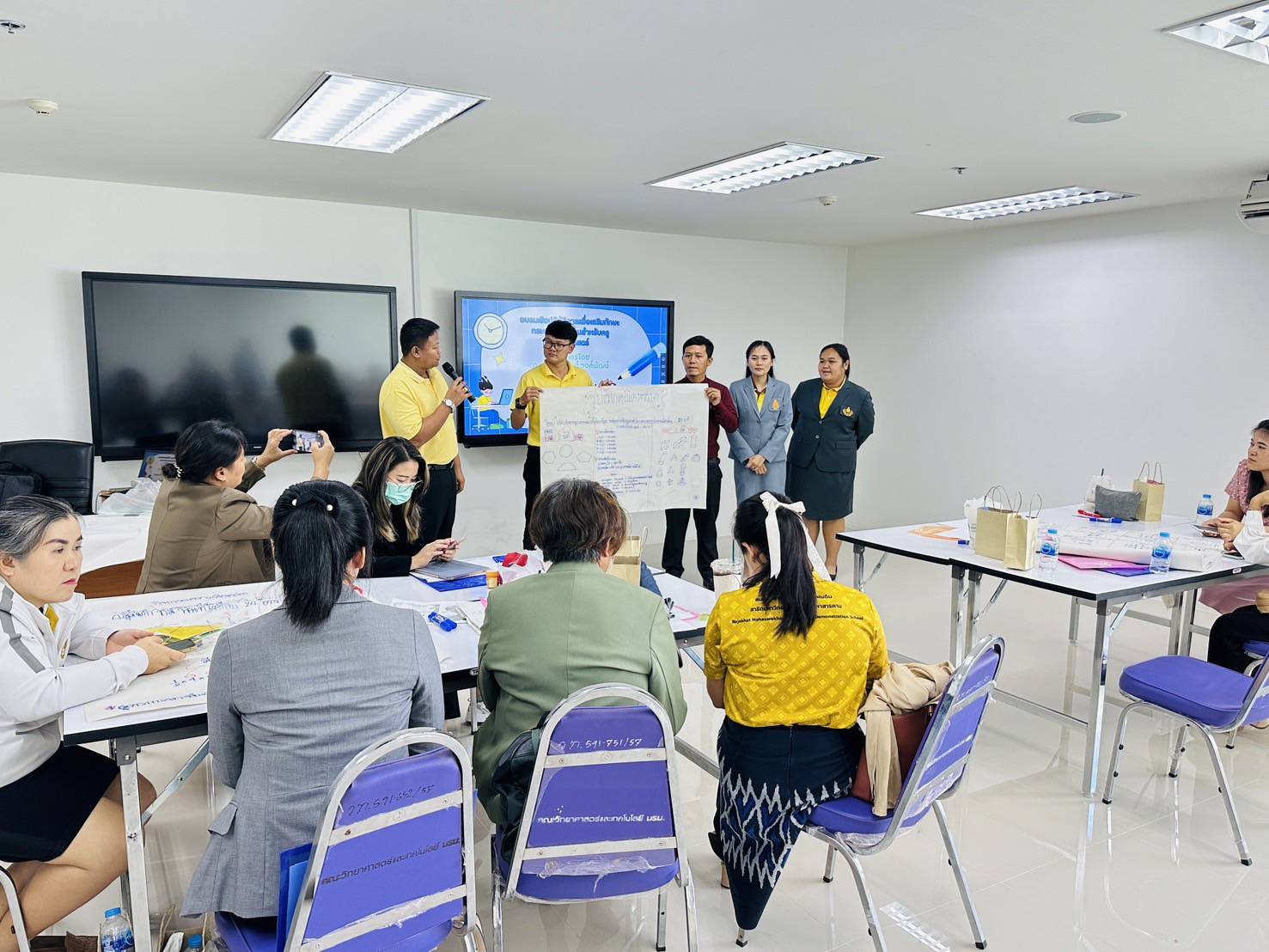
3. ออกแบบการกระบวนการแก้ปัญหาทางคณิตศาสตร์ได้
4. ให้คำแนะนำระหว่างการอบรม
Part 2: Outcomes & Impact ส่วนที่ 2 ผลลัพธ์และผลกระทบ
Outcomes ผลลัพธ์ที่เกิดขึ้น
1. GeoGebra to change the coefficients (\(m\)) and (\(c\)) in the equation (\(y = mx + c\)), allowing students to see real-time changes in the slope and Y-intercept.
2. Systems of Linear Equations in Two Variables: Plotting two linear graphs helps find their intersection point, which represents the solution to the system. This allows students to understand the geometric meaning of a system's solution.
3. Geometric Theorems: Students can construct triangles, circles, or parallel lines to manually measure angles and sides. For example, they can prove that "the interior angles of a triangle always add up to 180 degrees," as the total sum remains constant no matter how the triangle is dragged or reshaped.
4. 3D Geometry: The GeoGebra 3D function allows students to rotate shapes like pyramids, prisms, and cylinders, as well as unfold them into 2D nets. This helps develop students' spatial visualization skills.
5. Data Presentation: Utilizing GeoGebra’s Spreadsheet and chart tools to create box plots, histograms, or stem-and-leaf plots makes analyzing outliers and data distribution visually clear.
6. Random Simulations: Modeling repeated dice rolls or coin flips hundreds of times allows students to compare experimental probability with theoretical probability.
ครูสามารถใช้โปรแกมประยุกต์ใช้ได้ดังนี้
1. สมการและกราฟเส้นตรง: ครูและนักศึกษาสามารถสร้างสไลเดอร์ (Slider) ใน GeoGebra เพื่อเปลี่ยนค่าสัมประสิทธิ์ (m) และ (c) ในสมการ (y = mx + c) เพื่อให้นักเรียนเห็นการเปลี่ยนแปลงของความชันและจุดตัดแกน Y แบบเรียลไทม์
2. ระบบสมการเชิงเส้นสองตัวแปร: ใช้โปรแกรมพลอตกราฟเส้นตรงสองเส้น เพื่อหาจุดตัด ซึ่งเป็นคำตอบของระบบสมการ ช่วยให้นักเรียนเข้าใจความหมายเชิงเรขาคณิตของคำตอบระบบสมการ
3. ทฤษฎีบทเรขาคณิต: ให้นักเรียนลงมือสร้างรูปสามเหลี่ยม วงกลม หรือเส้นขนาน เพื่อทดลองวัดขนาดของมุมและด้านด้วยตนเอง เช่น การพิสูจน์ว่า "มุมภายในสามเหลี่ยมรวมกันได้ 180 องศา" ไม่ว่าจะลากปรับเปลี่ยนรูปทรงสามเหลี่ยมไปอย่างไร ค่ามุมรวมก็จะยังคงเดิม
4. เรขาคณิตสามมิติ: ใช้ฟังก์ชัน GeoGebra 3D เพื่อหมุนดูรูปทรง พีระมิด ปริซึม ทรงกระบอก และคลี่รูปทรง (Net) ออกมาเป็นสองมิติ ช่วยพัฒนาทักษะการนึกภาพในใจ (Spatial Visualization) ของนักเรียน
5. การนำเสนอข้อมูล: ใช้เครื่องมือ Spreadsheet และแผนภูมิใน GeoGebra เพื่อสร้างแผนภาพกล่อง (Box Plot) ฮิสโทแกรม (Histogram) หรือแผนภาพต้น-ใบ ทำให้การวิเคราะห์ค่านอกสายตา (Outliers) และการกระจายตัวของข้อมูลเห็นภาพชัดเจน
6. การจำลองสุ่ม (Simulation): สร้างโมเดลจำลองการทอดลูกเต๋าหรือโยนเหรียญซ้ำๆ จำนวนหลายร้อยครั้ง เพื่อเปรียบเทียบความน่าจะเป็นเชิงทดลอง (Experimental Probability) กับความน่าจะเป็นเชิงทฤษฎี (Theoretical Probability)
Community & Social Impact ผลกระทบต่อชุมชน/สังคม
Context Evaluation
Evaluating the needs, appropriateness of objectives, and project context:
1. Curriculum Alignment: The project objectives are highly relevant and essential for developing 21st-century mathematics learning management skills across all three main strands (Numbers and Algebra, Geometry and Measurement, and Probability and Statistics).
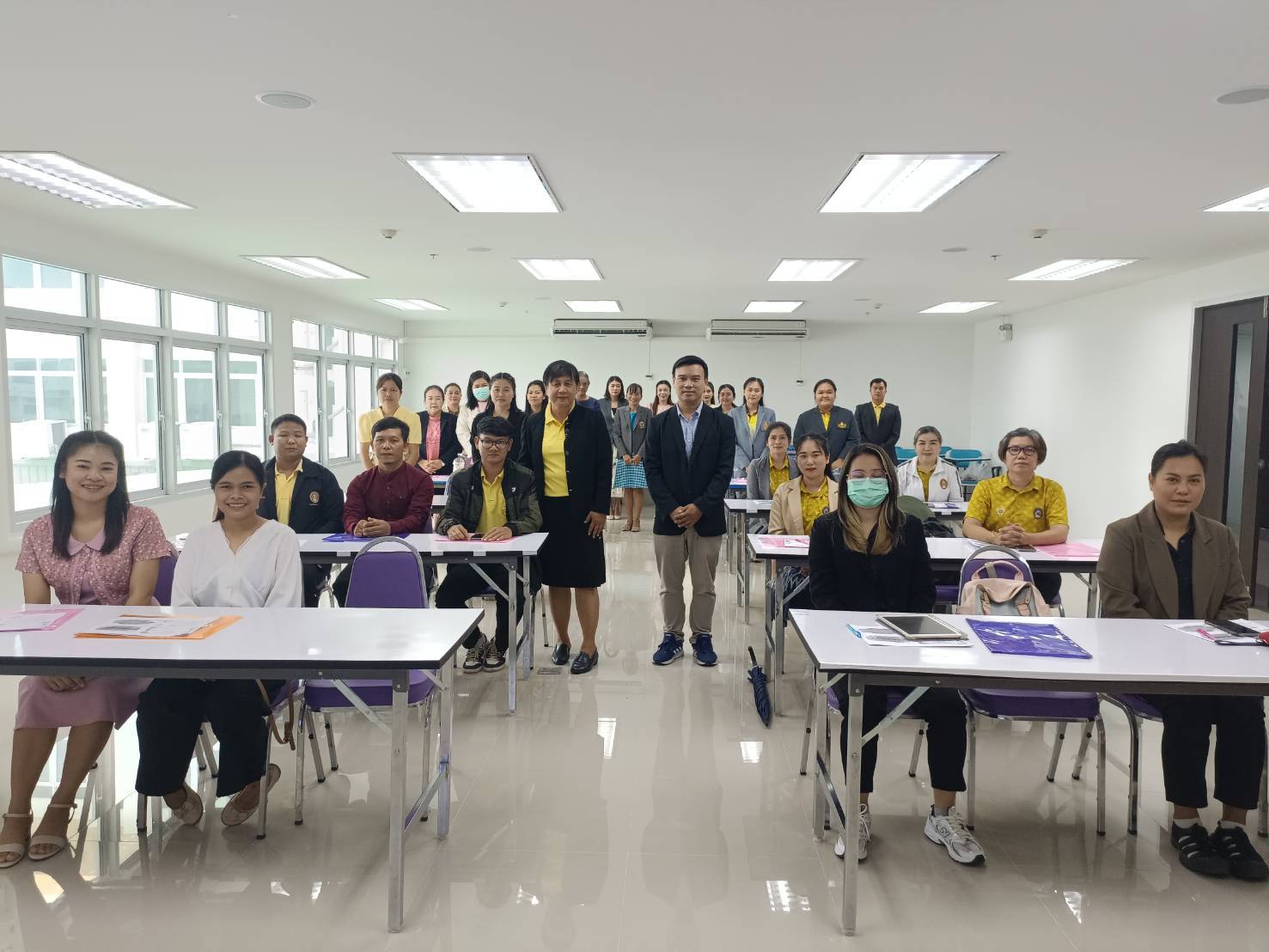
2. Participants' Needs: In-service teachers (50 participants) require practical guidelines and tools to create visual instructional materials that address abstract concepts. Meanwhile, pre-service teachers/students (10 participants) need to enhance their Technological Pedagogical Content Knowledge (TPACK).
3. Software Suitability: GeoGebra is a free, open-source software with high flexibility. It perfectly satisfies the requirements for creating dynamic mathematics models that align with the upper-elementary and lower-secondary school curriculum.
ด้านสภาวะแวดล้อม (Context Evaluation)
ด้านสภาวะแวดล้อม (Context Evaluation)
ประเมินความต้องการจำเป็น ความเหมาะสมของวัตถุประสงค์ และบริบทของโครงการ
1. ความสอดคล้องของหลักสูตร วัตถุประสงค์ของโครงการมีความสอดคล้องและจำเป็นอย่างยิ่งต่อการพัฒนาทักษะการจัดการเรียนรู้คณิตศาสตร์ในศตวรรษที่ 21 ทั้ง 3 สาระหลัก (จำนวนและพีชคณิต, เรขาคณิตและการวัด, ความน่าจะเป็นและสถิติ)
2. ความต้องการของผู้เข้าอบรม ครู (50 คน) ต้องการแนวทางและเครื่องมือในการสร้างสื่อการสอนที่
เห็นภาพชัดเจน (Visual) เพื่อแก้ปัญหาเนื้อหาที่เป็นนามธรรม ส่วนนักศึกษา (10 คน) ซึ่งเป็นครูในอนาคต ต้องการพัฒนาสมรรถนะด้านเทคโนโลยีสารสนเทศเพื่อการศึกษา (TPACK)
3. ความเหมาะสมของโปรแกรม โปรแกรม GeoGebra เป็นโปรแกรมสำเร็จรูปที่เปิดให้ใช้ฟรี (Open-source) มีความยืดหยุ่นสูง และตอบโจทย์การสร้างแบบจำลองทางคณิตศาสตร์แบบเคลื่อนไหว (Dynamic Mathematics) ได้ตรงตามเนื้อหาหลักสูตร ระถมปลาย/มัธยมต้น
Student & Staff Participation การมีส่วนร่วมของนักศึกษา/บุคลากร
Project Success Evaluation Based on Indicators, Benefits, and Satisfaction
1. Objective Achievement: All 60 participants (50 teachers and 10 students) successfully developed at least 3 pieces of mathematics instructional media/artifacts each using the GeoGebra program, covering all 3 core learning strands.
2. Learning Outcomes: Based on the pre-test and post-test assessments of knowledge and skills, the participants' post-training GeoGebra skill scores were significantly higher than their pre-training scores at a statistically significant level.
3. Satisfaction Level: The overall satisfaction rate was at the "highest" level (with an average score of 4.50 or above out of 5.00). The highest-rated category was the ability to apply the acquired knowledge to real classroom instruction.
ประเมินความสำเร็จของโครงการตามตัวชี้วัด ประโยชน์ที่ได้รับ และความพึงพอใจ
1. การบรรลุวัตถุประสงค์ ผู้เข้าอบรมทั้ง 60 คน (ครู 50 คน และ นศ. 10 คน) สามารถสร้างชิ้นงาน/สื่อการสอนคณิตศาสตร์จากโปรแกรม GeoGebra ได้อย่างน้อยคนละ 3 ชิ้นงาน (ครอบคลุมทั้ง 3 สาระหลัก)
2. ผลสัมฤทธิ์ทางการเรียนรู้ จากการทดสอบความรู้และทักษะก่อน-หลังอบรม (Pre-test / Post-test) พบว่า ผู้เข้าอบรมมีคะแนนทักษะการใช้โปรแกรม GeoGebra หลังอบรมสูงกว่าก่อนอบรมอย่างมีนัยสำคัญทางสถิติ
3. ระดับความพึงพอใจ ผลการประเมินความพึงพอใจโดยภาพรวมอยู่ในระดับ "มากที่สุด" (ค่าเฉลี่ยตั้งแต่ 4.50 ขึ้นไป จากคะแนนเต็ม 5.00) โดยหัวข้อที่ได้รับคะแนนสูงสุดคือ ความสามารถในการนำความรู้ไปประยุกต์ใช้ในการจัดการเรียนการสอนจริง
Project Continuity ความต่อเนื่องของโครงการ
Action Plan for the Next Fiscal Year
To ensure project continuity and sustainability, the operational plan for the next phase should be structured as follows:
1. Developing Core Trainers and Networks (GeoGebra Trainers): Select high-potential teachers from the original group of 50 to undergo advanced training. This will develop them into "Master Trainers" who can lead expansion training sessions for mathematics teachers in other schools or neighboring educational service areas.
2. Organizing a Teaching Innovation Competition (GeoGebra Innovation Awards): Host a competition for creating instructional media or lesson plans utilizing GeoGebra (both 2D and 3D) for teachers and students. This aims to stimulate actual classroom implementation and drive new innovations.
3. Elevating to International Research Publications: Provide support and development grants for classroom action research conducted by teachers and students. The goal is to format these projects into research articles for publication in mathematics education academic journals or for presentation at national and international academic conferences.
4. Developing a Learning Media Repository Platform: Create a website or online repository to gather GeoGebra files and activity sheets aligned with the core curriculum for upper elementary and lower secondary levels. This will allow teachers and students nationwide to download and utilize these resources free of charge.
แนวทางการดำเนินงานในปีงบประมาณต่อไป
เพื่อให้โครงการมีความต่อเนื่องและยั่งยืน ควรวางแผนการดำเนินงานในระยะต่อไปดังนี้:
1. การสร้างแกนนำและเครือข่าย (GeoGebra Trainers): คัดเลือกครูที่มีศักยภาพสูงจากกลุ่ม 50 คนเดิม มาเข้ารับการอบรมระดับ Advance เพื่อพัฒนาเป็น "วิทยากรแกนนำ" ในการจัดอบรมขยายผลให้ครูคณิตศาสตร์ในโรงเรียนอื่นๆ หรือเขตพื้นที่การศึกษาใกล้เคียง
2. การจัดประกวดนวัตกรรมการสอน (GeoGebra Innovation Awards) จัดเวทีประกวดการสร้างสื่อการสอนหรือแผนการจัดการเรียนรู้ที่ใช้ GeoGebra (ทั้งแบบ 2D และ 3D) สำหรับครูและนักศึกษา เพื่อกระตุ้นให้เกิดการนำไปใช้จริงในห้องเรียนและสร้างนวัตกรรมใหม่ๆ
3. การยกระดับสู่การเขียนบทความวิจัยสากล: สนับสนุนและให้ทุนพัฒนาผลงานวิจัยในชั้นเรียนของครูและนักศึกษา เพื่อเขียนเป็นบทความวิจัย (Research Article) ส่งไปตีพิมพ์ในวารสารวิชาการด้านคณิตศาสตร์ศึกษา หรือนำเสนอในงานประชุมวิชาการระดับชาติ/นานาชาติ
4. การพัฒนาแพลตฟอร์มคลังสื่อการเรียนรู้: จัดทำเว็บไซต์หรือคลังข้อมูลออนไลน์ (Online Repository) รวบรวมไฟล์ GeoGebra และใบกิจกรรมที่สอดคล้องกับหลักสูตรแกนกลาง ระถมปลาย/มัธยมต้น เพื่อให้ครูและนักศึกษาทั่วประเทศสามารถดาวน์โหลดไปใช้ประโยชน์ได้ฟรี
Part 3: Challenges & Suggestions ส่วนที่ 3 ปัญหาอุปสรรค/ข้อเสนอแนะ
Problems & Obstacles ปัญหา/อุปสรรค
Project Challenges and Obstacles
During the workshop activities, the following limitations and problems were encountered:
1. Information and Communication Technology (ICT) Skills Baseline: There was a significant disparity in learning speed and software proficiency among the 50 participating teachers. Some senior teachers struggled to keep up with the instructor when executing advanced, multi-step commands, such as entering formulas or conditional syntax in GeoGebra.
2. Device and Software Stability: Some participants brought their personal laptops, which ran on different operating systems (OS) or used different versions of the GeoGebra software (e.g., Classic 5 vs. Classic 6). This caused discrepancies between their user interfaces and the instructor's screen, leading to initial confusion.
3. Time Constraints: The curriculum content covering 3 major strands was highly dense relative to the allocated hands-on practice time. As a result, the "Probability and Statistics" section—such as dice simulation and statistical plotting windows—received substantially less practice time compared to other topics.
ปัญหาและอุปสรรคที่เกิดขึ้นของโครงการ
ระหว่างการจัดกิจกรรมเชิงปฏิบัติการ มีข้อจำกัดและปัญหาที่พบดังนี้:
1. ด้านพื้นฐานทักษะเทคโนโลยี (ICT) ความเร็วในการเรียนรู้และการใช้งานโปรแกรมของครูผู้เข้าอบรม (50 คน) มีความแตกต่างกันค่อนข้างมาก ครูอาวุโสบางท่านอาจตามขั้นตอนการกดคำสั่งเชิงลึก (เช่น การพิมพ์สูตรหรือคำสั่งเงื่อนไขใน GeoGebra) ไม่ทันวิทยากร
2. ด้านความเสถียรของอุปกรณ์และซอฟต์แวร์ ผู้เข้าอบรมบางรายนำคอมพิวเตอร์พกพา (Laptop) ส่วนตัวมา ซึ่งมีระบบปฏิบัติการ (OS) หรือเวอร์ชันของโปรแกรม GeoGebra (Classic 5 vs Classic 6) แตกต่างกัน ทำให้หน้าจออินเตอร์เฟสไม่เหมือนของวิทยากร ส่งผลให้เกิดความสับสนในช่วงแรก
3. ด้านข้อจำกัดของเวลา เนื้อหาที่ครอบคลุมถึง 3 สาระใหญ่ มีความแน่นหนามาก เมื่อเทียบกับระยะเวลาการฝึกปฏิบัติ ส่งผลให้พาร์ท "ความน่าจะเป็นและสถิติ" (เช่น การจำลองการทอดลูกเต๋า หรือการพลอตหน้าต่างสถิติ) มีเวลาฝึกอบรมน้อยกว่าหัวข้ออื่น
Improvement Guidelines แนวทางการปรับปรุง
Proposed Solutions
1. Implementation of a Buddy System: Ten tech-savvy and fast-learning students will be strategically seated across different tables to act as "Table Teaching Assistants." They will be paired with teachers who need extra support to provide close, step-by-step guidance.
2. Version-Proof Adjustments: The speaker will display a side-by-side screen comparison of both GeoGebra versions. Additionally, a quick-reference guide containing standard commands will be distributed to ensure compatibility across all versions.
3. Post-Training Learning Support: Short, topic-specific screen recordings and tutorial videos will be created and uploaded to a private group. This allows participants to review the material and practice at their own pace for any sections they missed.
แนวทางแก้ไขปัญหา
1. การจัดระบบเพื่อนช่วยเพื่อน (Buddy System) ให้นักศึกษา 10 คน ซึ่งส่วนใหญ่มีทักษะ ICT ที่คล่องตัวและเรียนรู้ได้เร็ว กระจายตัวนั่งแทรกกลุ่มกับคุณครู เพื่อทำหน้าที่เป็น "ผู้ช่วยวิทยากรประจำโต๊ะ" (Teaching Assistant) คอยจับคู่ดูแลคุณครูที่ตามไม่ทันอย่างใกล้ชิด
2. การปรับตั้งค่าเวอร์ชันล่วงหน้า วิทยากรได้ชี้แจงและสลับไปแสดงหน้าจอเปรียบเทียบระหว่าง GeoGebra ทั้งสองเวอร์ชัน พร้อมทั้งแจกไฟล์คู่มือฉบับย่อที่เป็นคำสั่งมาตรฐาน (Standard Commands) เพื่อให้ใช้ร่วมกันได้ทุกเวอร์ชัน
3. การสนับสนุนสื่อการเรียนรู้ย้อนหลัง จัดทำคลิปวิดีโอบันทึกการสอนและบันทึกหน้าจอ (Screen Recording) แยกย่อยตามหัวข้อ แล้วอัปโหลดลงกลุ่มปิด เพื่อให้ผู้เข้าอบรมสามารถกลับไปเปิดดูซ้ำและฝึกทำตามในส่วนที่ทำไม่ทัน
Suggestions to University ข้อเสนอแนะต่อมหาวิทยาลัย
Recommendations
1. Skill-Based Grouping (Streaming): For future training sessions, a pre-training survey on basic GeoGebra skills should be conducted. Participants should be divided into "Beginner" and "Advanced" levels to design activities that match the learning pace of each group.
2. Extending Time or Phasing the Training: The training should be split into short courses based on learning strands. For example, Phase 1 could focus on Algebra and Geometry, while Phase 2 covers Statistics and Probability. This will allow participants more hands-on time to practice and design their own problems.
3. Expanding to a Professional Learning Community (PLC): An online group (such as a Line or Facebook Group) should be established to share the GeoGebra media repository created by teachers and students. This will foster continuous exchange and ensure practical classroom application after the project ends.
อเสนอแนะ
1. การแบ่งกลุ่มตามระดับทักษะ (Streaming) ในการจัดอบรมครั้งต่อไป ควรมีการทำแบบสำรวจทักษะพื้นฐาน GeoGebra ก่อนเริ่มงาน และแบ่งกลุ่มผู้เข้าอบรมเป็น "ระดับพื้นฐาน (Beginner)" และ "ระดับประยุกต์ขั้นสูง (Advanced)" เพื่อให้ออกแบบกิจกรรมได้ตรงความเร็วของแต่ละกลุ่ม
2. การขยายเวลาหรือแยกเฟสการอบรม ควรแยกการจัดอบรมออกเป็นหลักสูตรระยะสั้นตามสาระการเรียนรู้ เช่น เฟสที่ 1 เน้นพีชคณิตและเรขาคณิต, เฟสที่ 2 เน้นสถิติและความน่าจะเป็น เพื่อให้ผู้เข้าอบรมมีเวลาลงมือปฏิบัติจริง (Hands-on) และทดลองออกแบบโจทย์ของตัวเองมากขึ้น
3. การต่อยอดสู่ชุมชนแห่งการเรียนรู้ (PLC) ควรจัดตั้งกลุ่มออนไลน์ (เช่น Line Group หรือ Facebook Group) สำหรับส่งต่อคลังสื่อ GeoGebra ที่ครูและนักศึกษาผลิตขึ้น เพื่อให้เกิดการแลกเปลี่ยนเรียนรู้ และนำไปใช้ในห้องเรียนจริงอย่างเป็นรูปธรรมหลังจบโครงการ